
Manual receipt entry
Entering receipt data into spreadsheets takes too much time.

Extract receipt data automatically, deduplicate against existing records, and log results directly to your spreadsheet. Eliminate manual entry and keep financial records organized in real time.

Entering receipt data into spreadsheets takes too much time.
Repeated receipts are difficult to detect consistently.
Manual typing increases the risk of incorrect financial records.
Receipts and financial data often become scattered across systems.
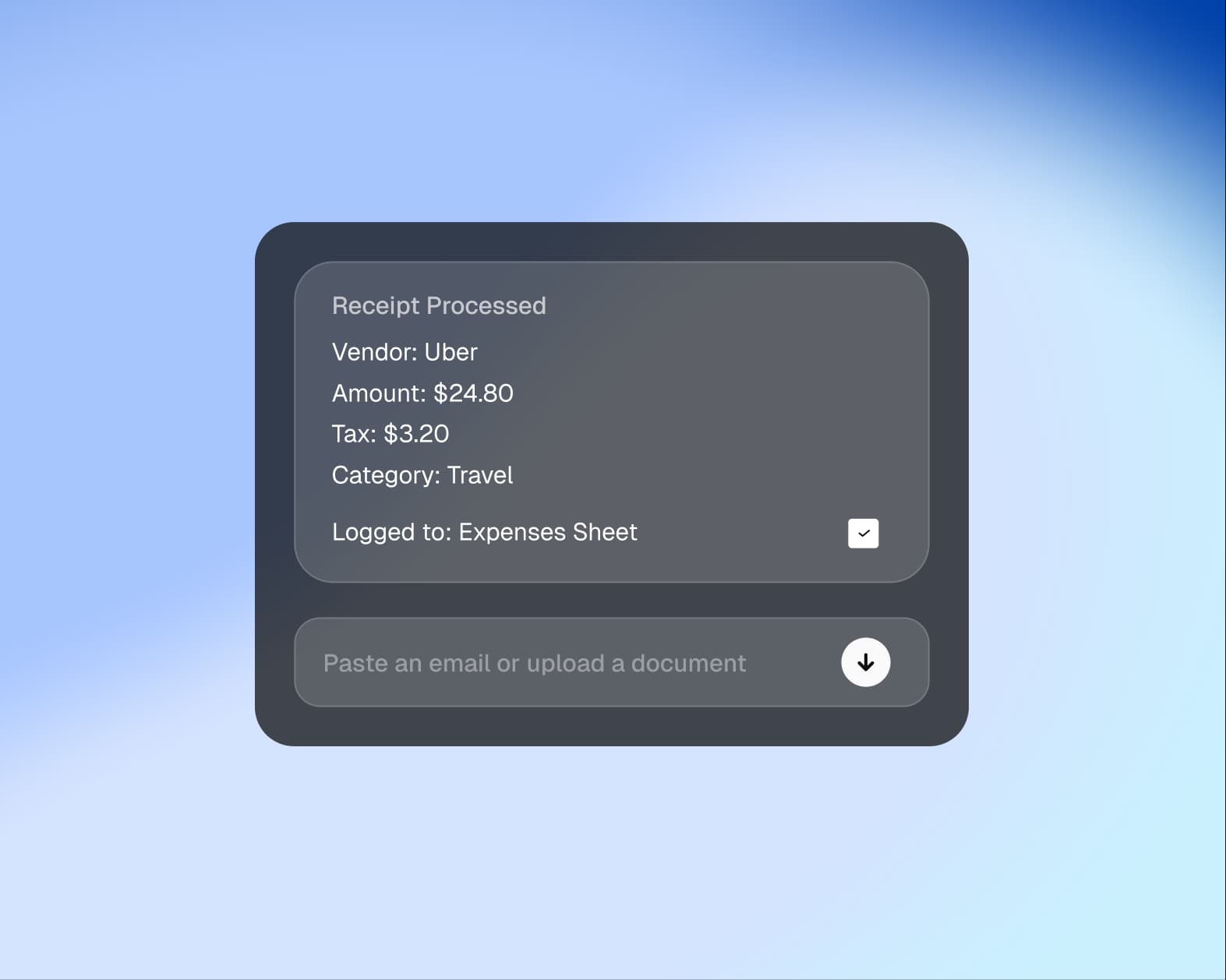
The Data Extraction Agent automatically extracts receipt details, validates records, detects duplicates, and logs structured data to your spreadsheet. It helps streamline expense tracking and keeps financial data organized.
Automatically extract key receipt fields without manual entry.
Identify duplicate receipts before they are logged to your records.
Log structured receipt data directly into your spreadsheet.
Start with receipts submitted through email or document intake.
Extract key receipt details including vendor, date, and amount.
Compare against existing records to detect duplicates.
Log structured data directly to your spreadsheet automatically.
Automate receipt data extraction and logging — paste an email or upload a document and the agent extracts vendor, amount, line items, and tax into your Google Sheets in seconds.
FAQ
Validate extracted fields to improve record accuracy.
Reduce hours of manual data entry and review.
Streamline receipt management with a repeatable workflow.


